How to verify a TIN in Seychelles?
Where to check a Seychelles TIN: the SRC's VAT Registered Business Verification
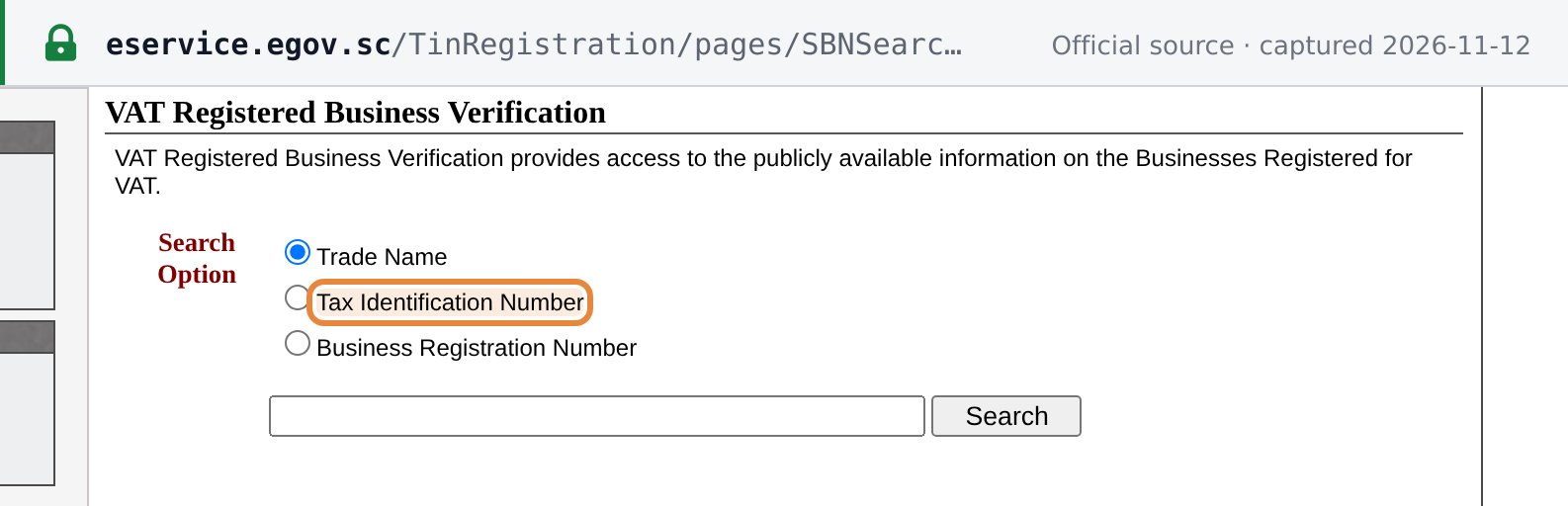
The Seychelles Revenue Commission (SRC) issues the Tax Identification Number (TIN). Its public search is called VAT Registered Business Verification and runs on the Government e-Service portal at eservice.egov.sc/TinRegistration/pages/SBNSearch.aspx. The page says it "provides access to the publicly available information on the Businesses Registered for VAT" and lets you search by Trade Name, Tax Identification Number or Business Registration Number. [1]
 Source snapshot captured 2026-11-12 — original
- Free, no login, no CAPTCHA. The form is a single search box with a Search button. The SRC publishes no query limit (as at 2026-11-12).
- How to reach it from the SRC. The SRC website links to the E-Service Gateway. Its TIN Registration menu opens the TIN services page, whose menu lists Verify a VAT Registered Business. [6]
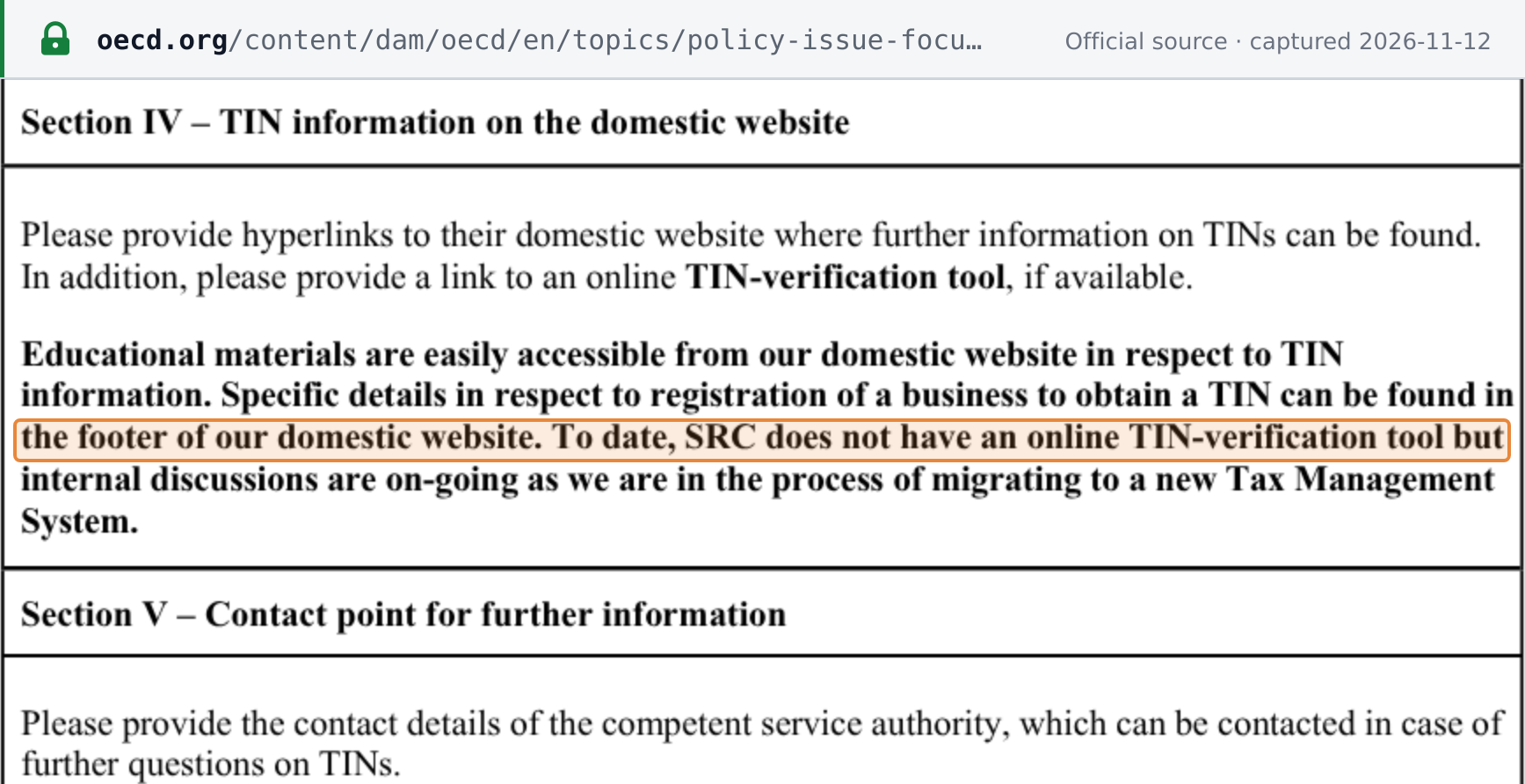
- What it covers. The SRC describes this as a search of VAT-registered businesses. In its TIN information sheet for the OECD (last updated 30 May 2023) it said: "To date, SRC does not have an online TIN-verification tool but internal discussions are on-going as we are in the process of migrating to a new Tax Management System." [2] In practice the search accepts a TIN and also returns taxpayers with no VAT registration and cancelled businesses, so it works as a check against the SRC's TIN register.
 Source snapshot captured 2026-11-12 — original
How to verify a Seychelles TIN
Step 1: Open the SRC VAT Registered Business Verification search
Open the Seychelles Revenue Commission's VAT Registered Business Verification page at eservice.egov.sc/TinRegistration/pages/SBNSearch.aspx. From the SRC website, the route is E-Service Gateway, then TIN Registration, then Verify a VAT Registered Business. It is free and needs no login.
Step 2: Choose Tax Identification Number as the Search Option
Under Search Option, select Tax Identification Number. The form starts on Trade Name, so a TIN typed without changing the option is searched as a name.
 |
| The SRC search with the Tax Identification Number option selected (illustrative number) |
Step 3: Enter the 9-digit TIN
Type the 9 digits of the TIN with no spaces, hyphens or leading zero.
Step 4: Press Search
Press Search. The result appears on the same page.
Step 5: Read the result table
Read the row returned: Tax Identification Number, Business Registration Number, Trade Name, Date of Registration and Date of VAT Registration. Check that the TIN shown is the number you entered, whether the Trade Name contains CANCELLED, usually at the start (for example "CANCELLED SEE # …") and sometimes as a "- CANCELLED" suffix, and whether the Date of VAT Registration is filled in.
What the result tells you
The result is a table with five columns: Tax Identification Number, Business Registration Number, Trade Name, Date of Registration and Date of VAT Registration, followed by the line "Search result for SBN Number:" and the number you searched. [1]
- A row with a VAT date. The TIN is on the SRC register and the search shows a VAT registration date. Dates are in US order, month/day/year, and the VAT date carries a dummy time: "3/1/2012 12:00:00 AM" means 1 March 2012.
- A row with a blank Date of VAT Registration. The TIN is on the register, but the search shows no VAT registration for it. The search does not say which other taxes apply to the business.
- A Trade Name that contains CANCELLED, usually at the start (for example "CANCELLED SEE # …") and sometimes as a "- CANCELLED" suffix. The business has been cancelled. Its row is still returned, with no VAT date. A hit therefore does not prove that the business is active.
- No table, only "Search result for SBN Number: …". Nothing matched. In every mode the search gives no "not found" message for a non-match. Work through the false negatives below before you conclude that the number does not exist.
- "No Business found!" This appears when a Trade Name search is too broad (for example HOTEL or SEYCHELLES). A Trade Name search that matches nothing shows only the "Search result for SBN Number: …" line, as in TIN mode.
The search shows no status other than the CANCELLED marking in the Trade Name. The SRC can treat a taxpayer as dormant, which it defines as one that "has not been active or engaged in any transaction with SRC, nor have any active audit and cannot be located for the last 3 years or more". [3] The search does not show whether a taxpayer is dormant.
Secondary check by name: the SRC VAT Registered List
The SRC also publishes a Value Added Tax Registered List (PDF) on its Download page, under Value Added Tax (VAT). [4] The edition updated to the end of September 2026 has the columns BUSINESS NAME, TRADE NAME, REG. DATE and REG. TYPE (compulsory or voluntary). It has no TIN column, so it cannot confirm a TIN, and it is not a complete list: several large VAT-registered companies that the search shows with VAT dates, for example Air Seychelles Ltd, do not appear in the end-September 2026 edition. Its dates are not in one order: some rows are day/month/year (for example 30/11/2021) and others month/day/year (for example 10/15/2012), so a date such as 1/6/2014 is ambiguous. Use it only as a cross-check by name; the search above is the better source.
Seychelles TIN format
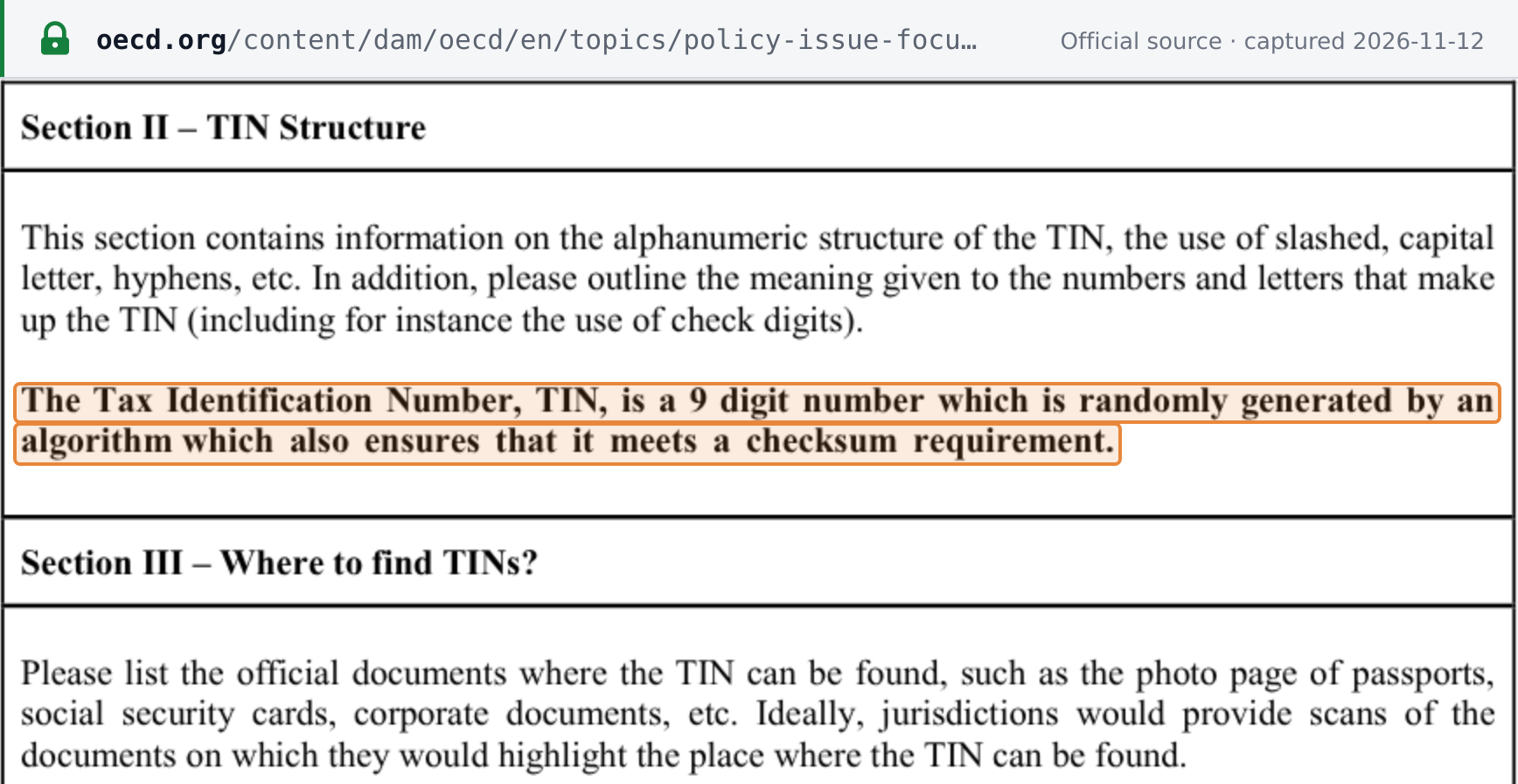
A Seychelles TIN is 9 digits, with no letters or separators. The SRC's TIN sheet for the OECD says: "The Tax Identification Number, TIN, is a 9 digit number which is randomly generated by an algorithm which also ensures that it meets a checksum requirement." [2] The SRC does not publish the checksum, so a well-formed 9-digit number can still be unregistered. Only the SRC issues TINs, each taxpayer has one, and a TIN "cannot be replicated or re-issued if one business ceases to exist". Employees are not issued a TIN. The Seychelles Tax ID Guide covers the TIN and Seychelles' other identifiers in more detail.
 Source snapshot captured 2026-11-12 — original
Common false negatives
Check these before you treat a TIN as invalid:
- Spaces, hyphens, a leading zero, or fewer than 9 digits. In TIN mode the search does not strip them; it returns an empty result with no error message. Re-type the 9 bare digits. Characters after the ninth are ignored, so the result shows the TIN that was actually matched; check it against your number.
- The Search Option left on Trade Name. Trade Name is the default, so a TIN typed without switching to Tax Identification Number is searched as a name.
- A broad trade name. Trade Name searches match part of the name, without regard to capitals, but very common words such as "HOTEL" or "SEYCHELLES" return "No Business found!". Search by TIN, or use a distinctive part of the name.
- A Business Registration Number instead of a TIN. A BRN usually starts with B or C followed by six or seven digits (for example C841115); some records show digits only, and many sole traders have none. Businesses are registered with the Registrar of Companies, whose own business search works by name. [5] Enter a BRN in the SRC search only under the Business Registration Number option; one BRN can return more than one TIN.
- A cancelled business. This is a false positive rather than a false negative: the row is returned, and its Trade Name contains CANCELLED, usually at the start (for example "CANCELLED SEE # …") and sometimes as a "- CANCELLED" suffix. TINs are never re-issued, so an old TIN keeps resolving to its old holder. [2]
- A newly issued TIN or VAT registration. The SRC publishes no figure for how soon a new registration appears in the search. If a recent registration is missing, ask the business for its TIN letter or VAT Registration Certificate.
Registration
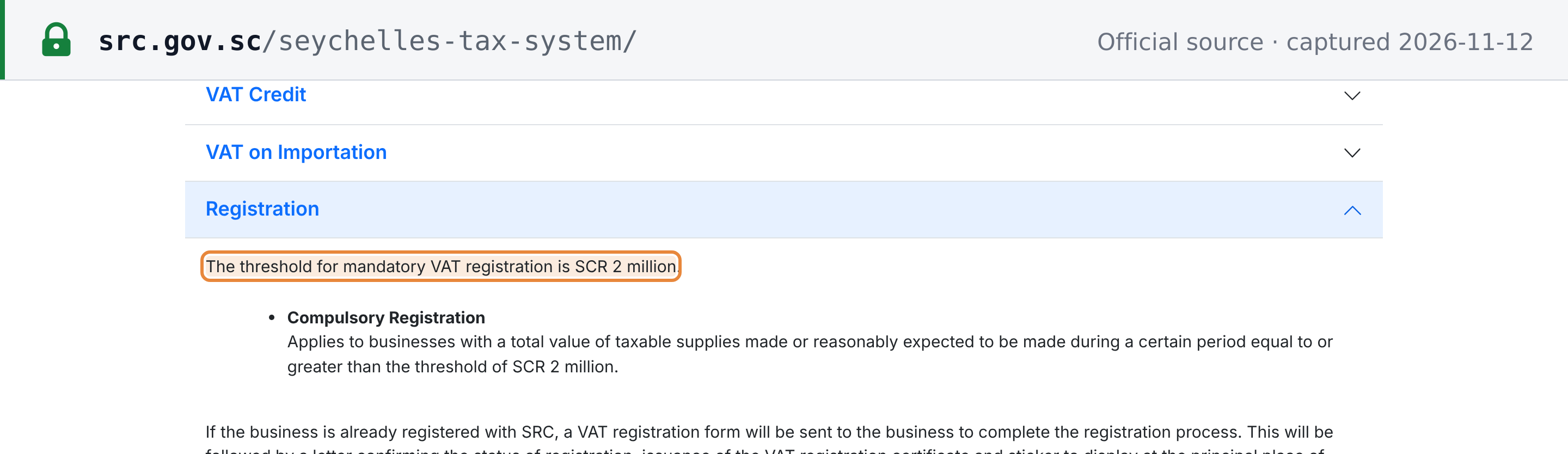
This page does not restate Seychelles' VAT rules beyond the registration threshold. Registration for VAT is compulsory for a business whose taxable supplies reach SCR 2 million, a level the SRC has applied since January 2015; since 1 January 2025, businesses with taxable supplies from SCR 100,000 to SCR 2,000,000 can register voluntarily (as at 2026-11-12). [3] [7]
 Source snapshot captured 2026-11-12 — original
For VAT registration steps in other countries, see How to register for sales tax, VAT, and GST.
Related resources
- Seychelles Tax ID Guide: the TIN and Seychelles' other tax identifiers
- Seychelles TIN validator: check a Seychelles TIN against the SRC register
- SRC VAT Registered Business Verification: the official search described on this page
Frequently Asked Questions
The search found my supplier's TIN but the Date of VAT Registration is blank. Is the supplier registered for VAT?
The search shows no VAT registration for that TIN. It does not say which other taxes the business is registered for. Registration is compulsory once taxable supplies reach SCR 2 million, the SRC's threshold since January 2015, and businesses with taxable supplies from SCR 100,000 to SCR 2,000,000 may register voluntarily (since 1 January 2025). If an invoice from a supplier with a blank VAT date charges 15% VAT, ask the supplier for its VAT Registration Certificate, which shows its TIN. [3] [2]
The trade name in the result contains CANCELLED. What does that mean?
The SRC keeps cancelled businesses in the search. Their Trade Name contains CANCELLED, usually at the start (for example "CANCELLED SEE # …") and sometimes as a "- CANCELLED" suffix. Those rows show no Date of VAT Registration. A TIN is never re-issued, so an old TIN keeps pointing to its cancelled holder. Do not treat the row as proof that the business is trading. [1] [2]
My supplier gave me a number that starts with a letter. Is that its TIN?
No. A number that starts with a letter (usually B or C) is a Business Registration Number (BRN). Businesses are registered with the Registrar of Companies, and the SRC issues the TIN, which is 9 digits. The SRC search accepts a BRN only under the Business Registration Number option, and one BRN can return more than one TIN. [5] [2]
Where do I find a Seychelles supplier's TIN?
Ask for its TIN letter or VAT Registration Certificate. The SRC told the OECD that a TIN letter is issued on registration and that a VAT-registered person's TIN is displayed on its VAT Registration Certificate. [2]
How Lookuptax can help you in TIN validation?
Lookuptax validates VAT and tax ID numbers, including the Seychelles TIN, through one API. For Seychelles it checks the TIN against the SRC register and flags cancelled businesses.