How to verify TIN (zakat) in Saudi Arabia?
Verify a Zakat certificate and TIN on ZATCA's e-service
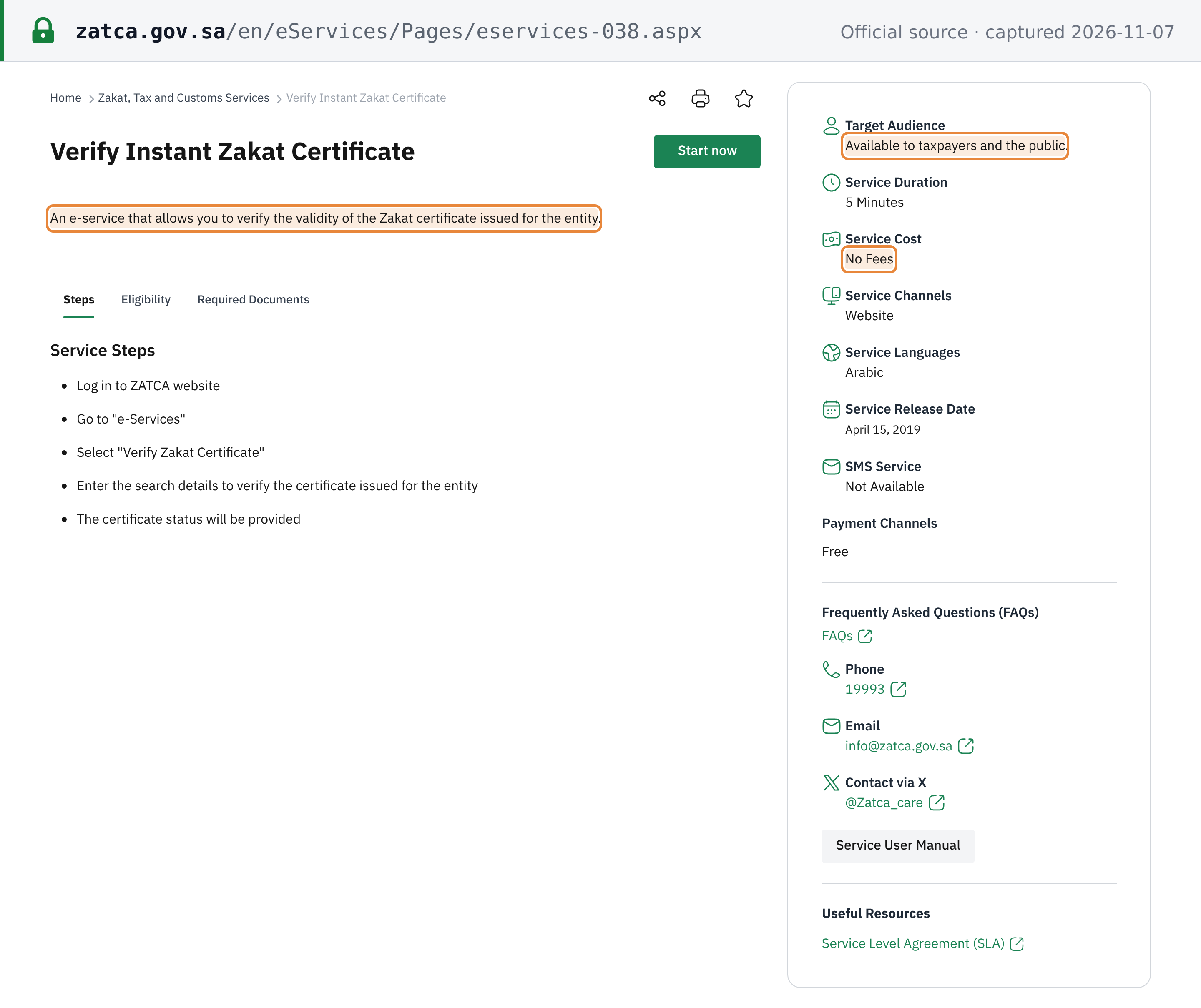
The Zakat, Tax and Customs Authority (ZATCA) runs Verify Instant Zakat Certificate, "an e-service that allows you to verify the validity of the Zakat certificate issued for the entity". The service card lists it as "Available to taxpayers and the public", with "No Fees" and a service duration of 5 minutes. The form itself is titled Verify Zakat Certificate/TIN De-Registration.
- Login: no account is needed. ZATCA's user manual starts at the public website and goes straight to the search form (ZATCA user manual, Arabic). The English service card's first step reads "Log in to ZATCA website", but the form opens without one.
- CAPTCHA: every search needs the characters from an image CAPTCHA ("Verification Code Captcha"), with a Refresh button for a new image. A mistyped code stops the search, so a failed lookup is not proof that the number is wrong.
- Quotas: the service card and the user manual publish no daily or per-session limit.
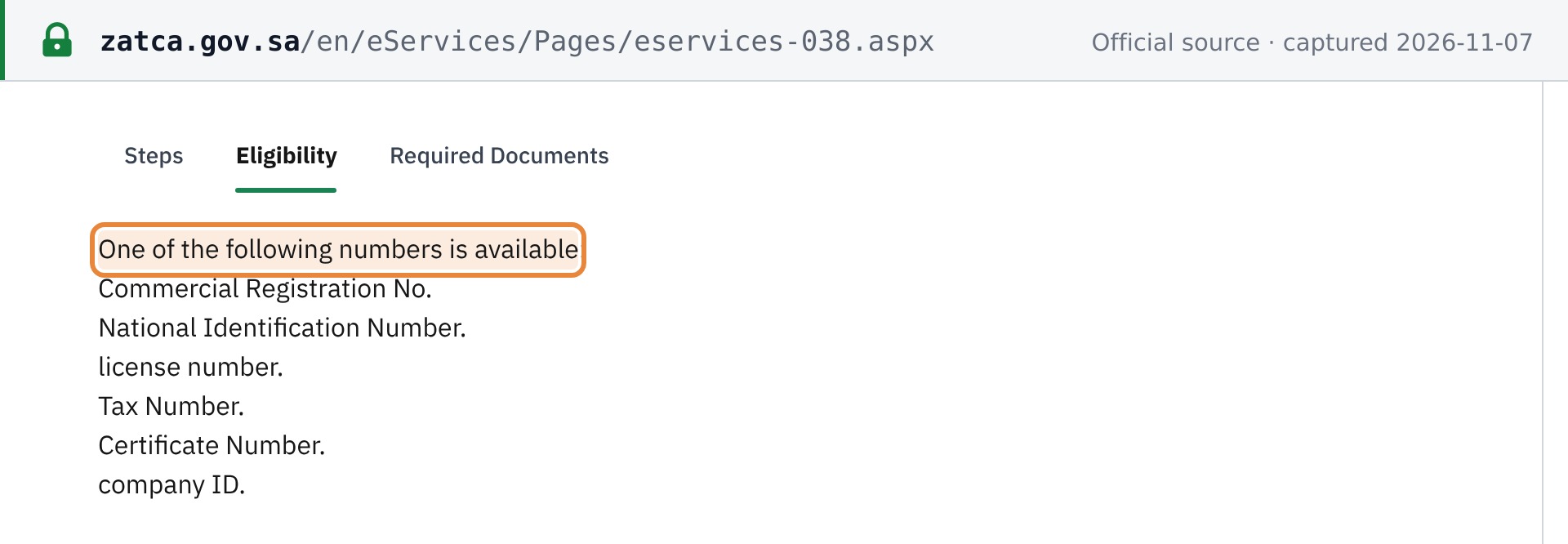
- Search keys: one of six numbers. The card lists them under Eligibility: commercial registration number, national identification number, licence number, tax number, certificate number or company ID.
This page covers the Zakat certificate and the 10-digit TIN. To check a 15-digit VAT number, use ZATCA's taxpayer lookup instead: see how to verify a Saudi VAT number.
Step 1: Open the e-service
Open the Verify Instant Zakat Certificate card and press Start now, or go straight to the verification form on portal.zatca.gov.sa. The form is also available in Arabic.
Step 2: Choose the ID type and enter the number
In ID Type, choose one of the six options: Company ID, Commercial Register(CR No.), Taxpayer ID - (National Number), License No., Taxpayer Identification Number(TIN) or Certificate Number. Type the number in ID No. A Saudi TIN is 10 digits.
Step 3: Enter the verification code and search
Type the characters from the image CAPTCHA into Verification Code Captcha (use Refresh for a new image), then press Inquiry.
Step 4: Read both result panels
The result has two panels.
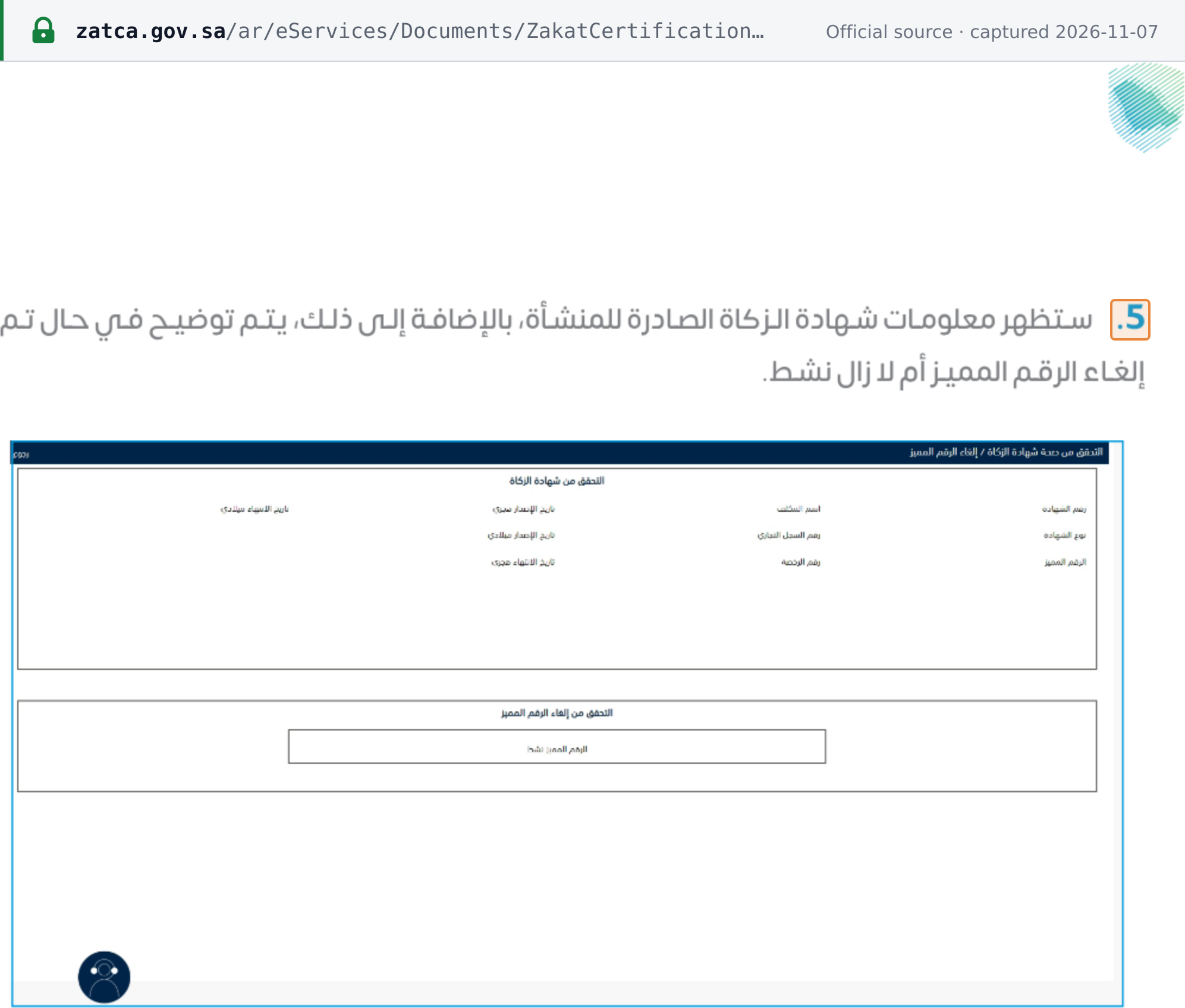
The ZAKAT Certificate Verification panel shows ten fields: Certificate No., Name, Issue Hijri Date, Expiry Gregorian Date, Certificate Type, CR No., Issue Gregorian Date, TIN Number, License No. and Expiry Hijri Date. The TIN De-registration Verification panel shows one status line.
| Status line on screen | What it means |
|---|---|
| "The TIN Number is Active" | The TIN is active and this certificate is active. |
| "The TIN is Active, Certificate Expired" | The TIN is active but this certificate is no longer active. Ask for the current certificate. |
| "The Zakat Certificate is inactive because of TIN De-registration" | The TIN has been de-registered. The screen adds the TIN, the main CR number, the de-registration date and the taxpayer name, with a table of branches. |
ZATCA's manual says the screen shows the Zakat certificate issued to the establishment and, in addition, whether its TIN has been cancelled or is still active (ZATCA user manual, step 5). The expiry is printed in both the Hijri and the Gregorian calendar. ZATCA publishes no description of the message shown when no certificate matches the number.
The number format
The Saudi TIN is 10 digits: "The (first digit) is the GCC Member State. The (next eight digits) is a serial number. The next digit is a check digit." (Saudi TIN sheet on the OECD portal, p.2). The check-digit algorithm is not published. The full format table is on the Saudi Arabia tax ID guide.

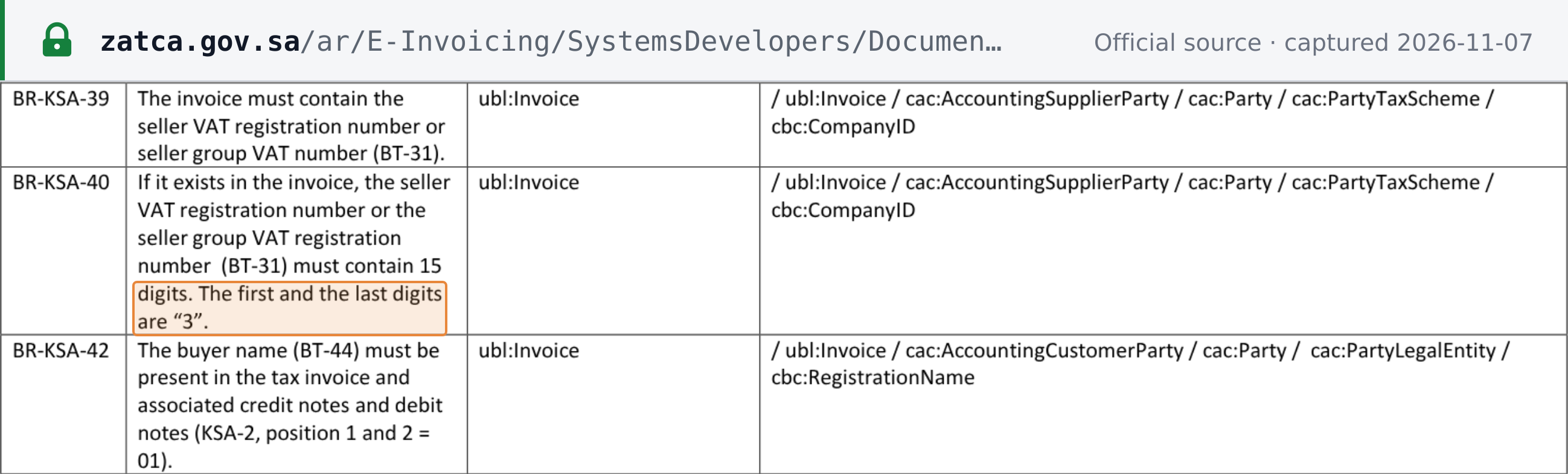
Do not confuse it with the VAT registration number, which "must contain 15 digits. The first and the last digits are “3”" (ZATCA E-Invoice XML Implementation Standard, rule BR-KSA-40).
Check these before calling a number invalid
- The ID type matches the number. A 15-digit VAT number is not a TIN. Search it on ZATCA's taxpayer lookup (how to verify a Saudi VAT number), or search this e-service by TIN, CR number or certificate number.
- The CR number may now be a 700 number. Under the Commercial Register Law, "The Unified National Number shall serve as the official identifier for commercial establishments, replacing the traditional commercial registration number", and it begins with 7 (SAMA circular on the Commercial Register Law). If one CR number finds nothing, try the TIN or the certificate number.
- "Certificate Expired" is not an invalid TIN. It means the TIN is still active but this certificate is no longer active.
- A de-registered TIN still has a valid format. Ten digits that pass a format check can belong to a de-registered taxpayer. Only the TIN De-registration Verification panel shows that, with the date.
- The verification code was mistyped. A CAPTCHA error stops the search before any record is checked.
You can also run a format check on the Lookuptax Saudi VAT number and CR 700 number checker. It checks the format of a 15-digit VAT number and looks up a 700 number in the commercial register; it does not look up 10-digit ZATCA TINs.
For VAT rates, registration thresholds and filing rules, see the Saudi Arabia VAT guide.
Frequently Asked Questions
The TIN field won't take my supplier's 15-digit number. Is the number wrong?
Not necessarily. The Saudi TIN is 10 digits: the first digit is the GCC member state, the next eight are a serial number and the last is a check digit. The 15-digit number that starts and ends with 3 is the VAT registration number, a different identifier, which is checked on ZATCA's taxpayer lookup rather than on this e-service. On this e-service, search by the TIN, the commercial registration number or the certificate number instead. [1] [2]
The result says "The TIN is Active, Certificate Expired". Has the supplier been de-registered?
No. That line means the TIN is still active but this certificate is no longer active. A de-registered TIN shows a different line, "The Zakat Certificate is inactive because of TIN De-registration", together with the de-registration date. If you see "Certificate Expired", ask the supplier for its current certificate and verify that one. [3]
The Hijri and Gregorian expiry dates on the result look different. Which one counts?
They are the same date written in two calendars, not two deadlines. For example, 21-10-1445 in the Hijri calendar and 30-04-2024 in the Gregorian calendar are the same day. Read whichever calendar you work in.
My supplier's documents show a number starting with 7 instead of a CR number. What is it?
Under the Commercial Register Law (Royal Decree M/83 of 19/03/1446H), the Unified National Number, which begins with 7, serves as the official identifier for commercial establishments and replaces the traditional commercial registration number. The same law eliminated the expiry date of commercial registrations. ZATCA's form still labels the field "Commercial Register(CR No.)". If a search by that number returns no certificate, search by the TIN or the certificate number instead. [4]
What does a Zakat certificate tell me about the supplier?
ZATCA issues a Zakat / Tax certificate to a registered taxpayer that has no late returns or payments and no outstanding liabilities. A separate ZATCA e-service issues the Zakat certificate to the taxpayer once its Zakat return is submitted and the outstanding dues are paid. ZATCA's guide to requesting a certificate describes it as a Zakat or income-tax certificate. The lookup confirms that the certificate exists in ZATCA's records and shows its expiry date. [5] [6] [7]
Is the TIN the same as the certificate number?
No. The TIN identifies the taxpayer: it is issued once and remains valid as long as the taxpayer is in operation. The certificate number identifies one certificate document. Check that the TIN on the result belongs to the entity you expect, and that the certificate number and expiry date match the copy you were given. [1]
How Lookuptax can help you in TIN validation?
Lookuptax TIN validation revolutionizes TIN number validation with its robust platform, empowering businesses to seamlessly verify TIN numbers across over 100 countries. Our cutting-edge technology ensures accurate and efficient validation, reducing errors and enhancing compliance.