How to verify VAT Number in UK?
Check a UK VAT number on HMRC's service
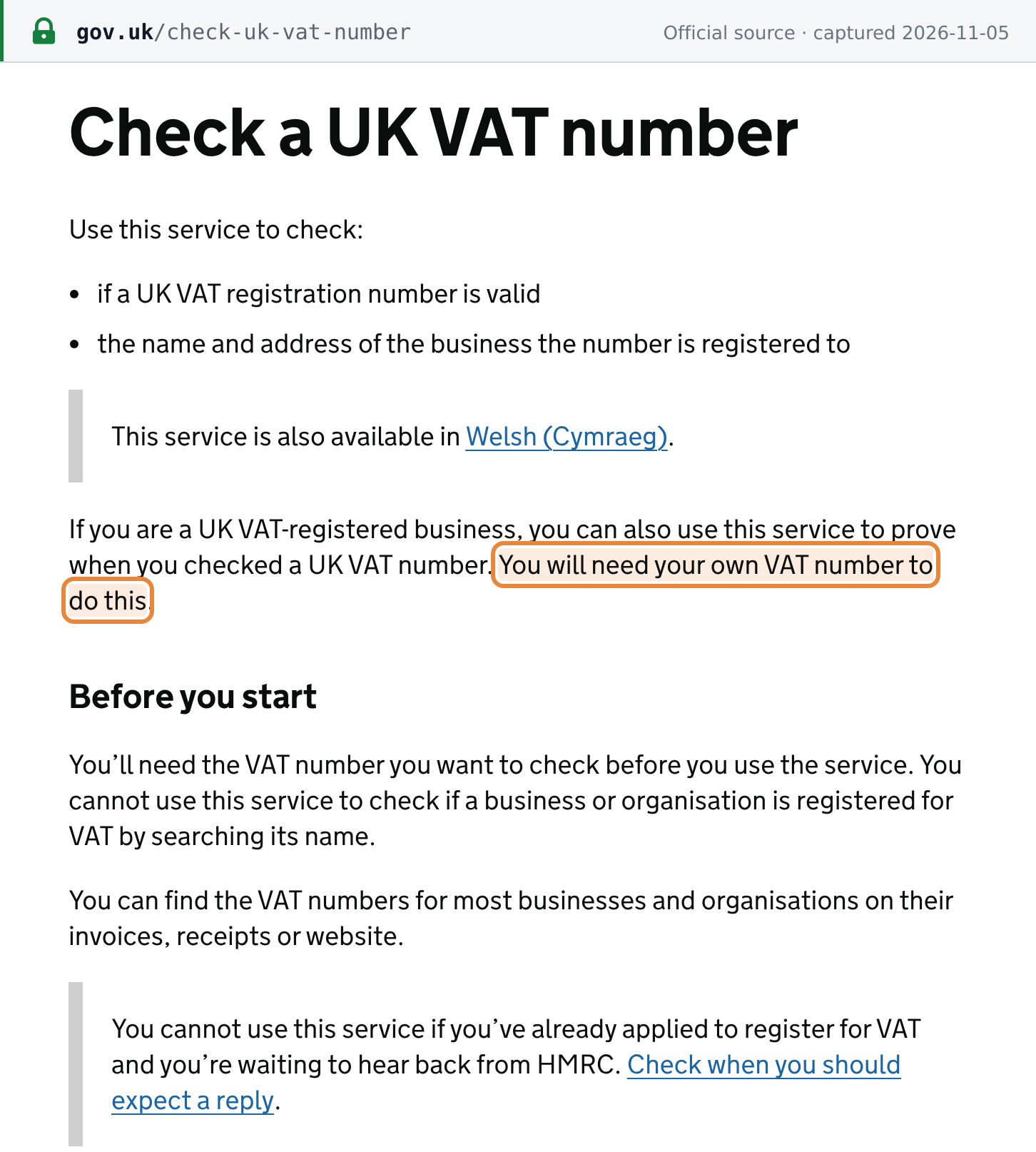
HM Revenue & Customs (HMRC) runs a free Check a UK VAT number service on GOV.UK. It tells you whether a UK VAT registration number is valid and shows the name and address of the business it is registered to. [1]
- No sign-in. The check itself needs no account or Government Gateway login.
- Proof of check is for UK VAT-registered businesses only. If you enter your own UK VAT number, HMRC gives you a reference number proving when you checked. Without it, you still get the full result, just no reference. [1]
- Number only, no name search. GOV.UK says you cannot use the service to check whether a business is registered by searching its name, and you cannot use it while your own application is still waiting for HMRC. [1]
- Limits. HMRC publishes no lookup limit or CAPTCHA for the web service on its GOV.UK start page or on the form itself (as at 2026-11-05). The API has a published rate limit; see below.
 Source snapshot captured 2026-11-05 — original
How to verify a UK VAT number
Step 1: Open the service
Go to gov.uk/check-uk-vat-number and select Start now. This opens HMRC's form at tax.service.gov.uk/check-vat-number/enter-vat-details.
Step 2: Enter the VAT number you want to check
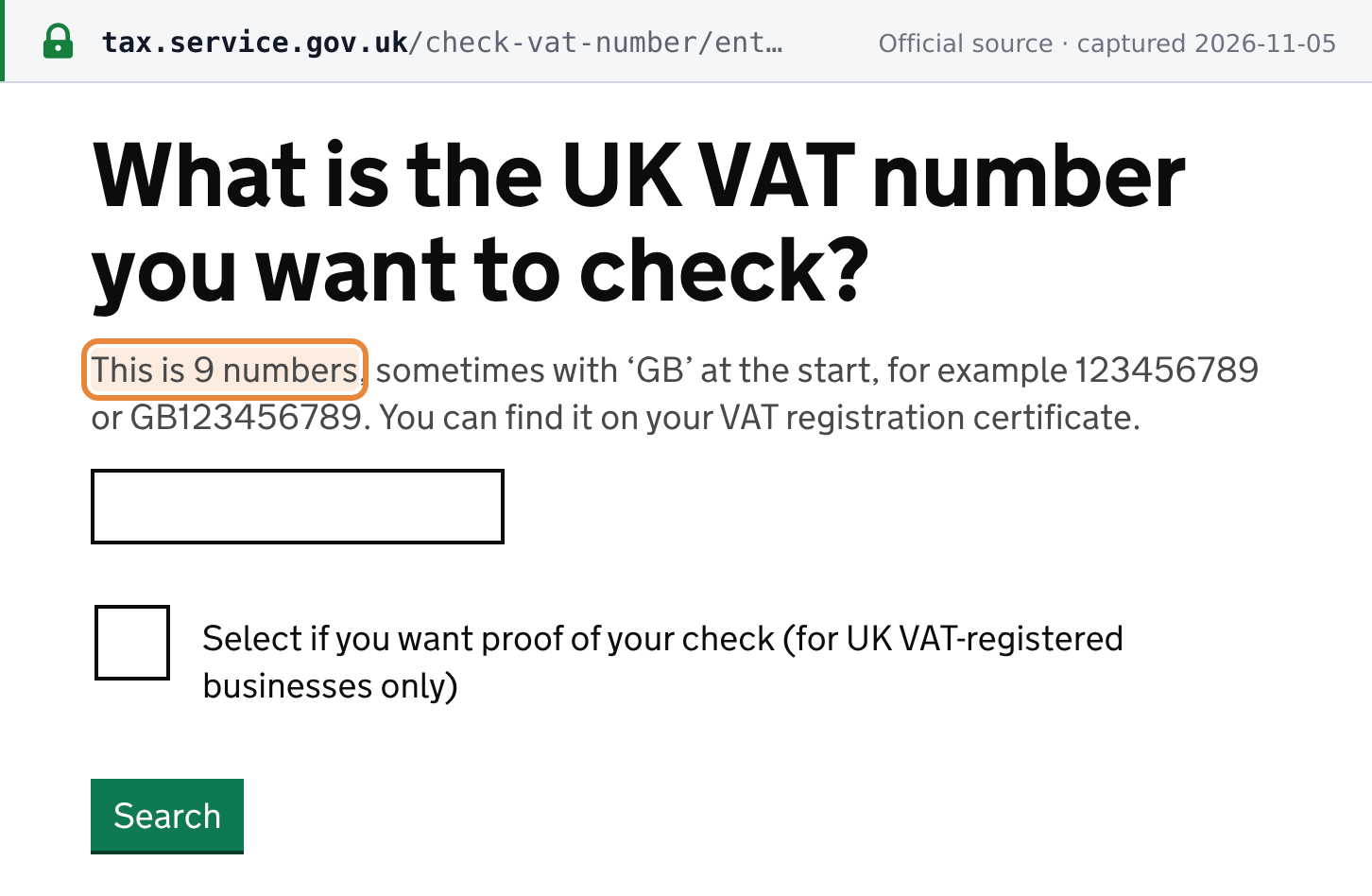
Under What is the UK VAT number you want to check?, enter the 9-digit number. HMRC's hint says it is "9 numbers, sometimes with ‘GB’ at the start, for example 123456789 or GB123456789", so you can type it with or without GB. [2]
 Source snapshot captured 2026-11-05 — original
Step 3 (optional): Ask for proof of your check
If your business is UK VAT-registered, tick Select if you want proof of your check (for UK VAT-registered businesses only). A second field appears, Enter your own UK VAT number, with the hint "We need this to give you a reference number." Leave the box unticked if you have no UK VAT number. [2]
Step 4: Select Search and read the result
Results appear straight away. A valid number shows:
- Valid UK VAT number and the number you checked
- VAT registration details: the Registered business name and the Registered business address, including postcode
- Search completed on the date and time of the search
- with proof of check, a reference number for your records
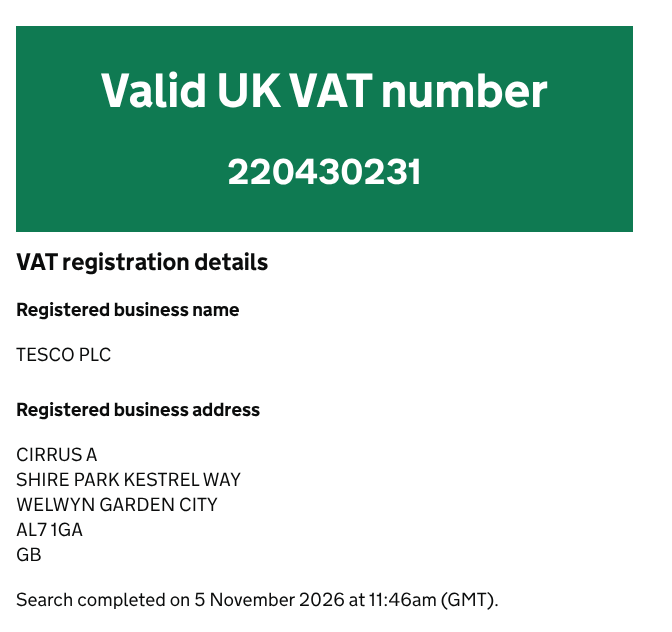 |
| A valid result on HMRC's service, without proof of check (November 2026) |
Use Print or save this page if you need a record. The name and address shown are the ones HMRC holds for the registration. They can differ from a trading name or a branch address on an invoice, which is not by itself a sign that the number is invalid.
What a "not found" or format error means
HMRC's service gives two kinds of negative answer, and they mean different things:
- "VAT registration not found." The number has the right shape, but HMRC found no matching registration. HMRC's not-found result (pictured below) adds: "Databases may not yet include new VAT registrations if they have only been registered within 48 hours." A single wrong digit also lands here, not on a format error, so re-read the number against the invoice before concluding anything.
- "Enter the UK VAT number you want to check in the correct format." The form rejected the input before any lookup. This happens with an
XIprefix, aGDgovernment-department number, or too few digits.
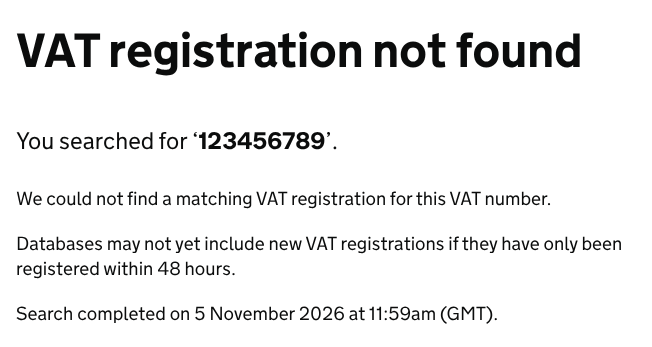 |
| A not-found result on HMRC's service (November 2026) |
UK VAT number format
After registration, HMRC issues "a 9-digit VAT registration number which you must include on all invoices you raise". [3] In cross-border use it is written with the GB prefix, as GB123456789. An HMRC manual says numbers in this format "can be verified using the “modulus 97” check", but HMRC's GOV.UK guidance does not set out how that check works (as at 2026-11-05), so the only reliable test of the last digits is the lookup itself. The UK Tax ID Guide covers the UK's other tax identifiers.
The variants you may meet:
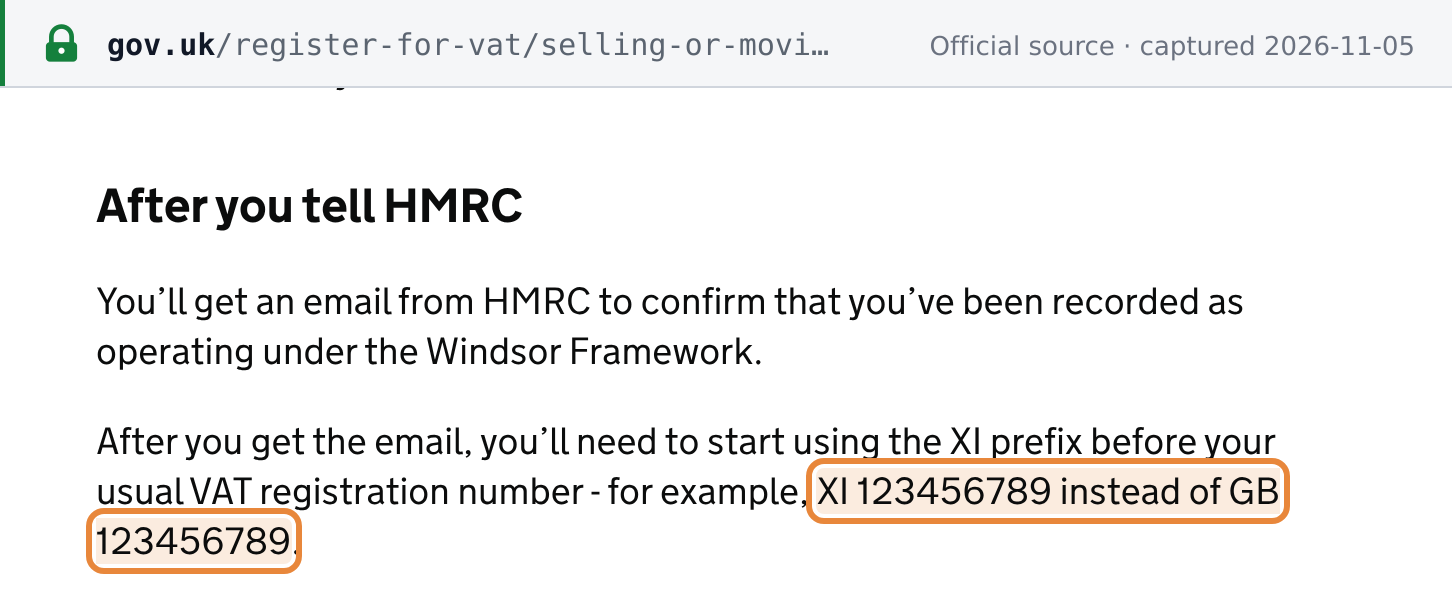
- XI numbers (Northern Ireland). Businesses trading in goods under the Windsor Framework put XI in front of their usual number, "for example, XI 123456789 instead of GB 123456789". [4] HMRC's form does not accept the XI prefix. Enter the 9 digits without it, or check the XI number on EU VIES, which GOV.UK links to for checking Windsor Framework status. GB numbers themselves are not on VIES.
 Source snapshot captured 2026-11-05 — original
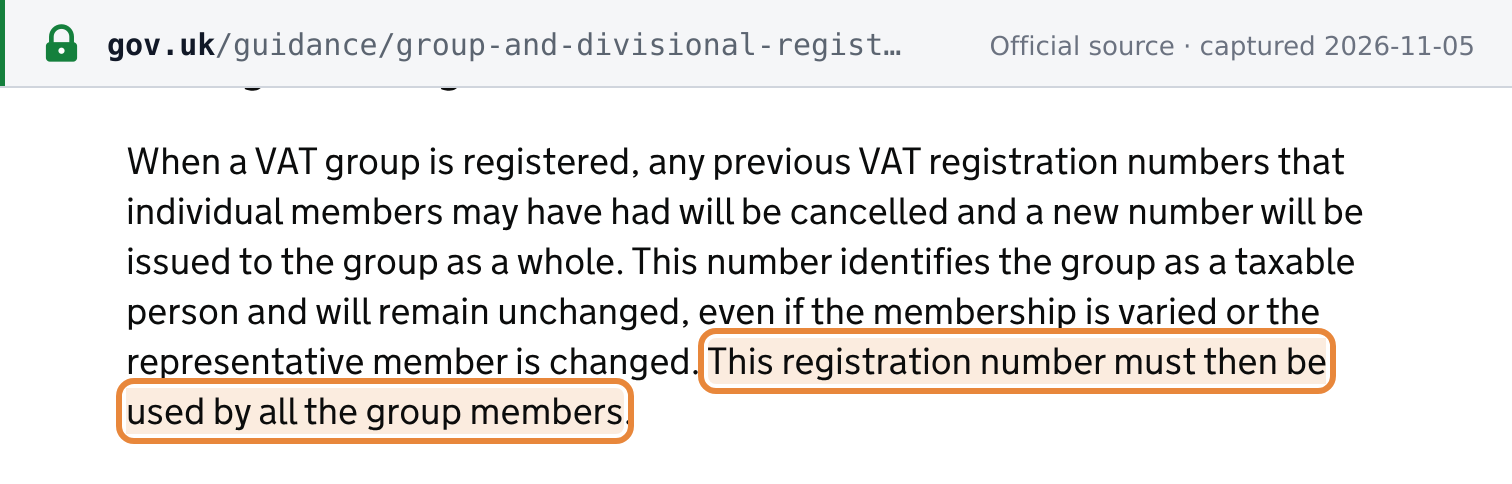
- VAT groups. A VAT group has one number. When a group is registered, the members' previous numbers are cancelled and a new number is issued to the group, which "must then be used by all the group members". So ask a group member for the group's number, not its old one. [5]
 Source snapshot captured 2026-11-05 — original
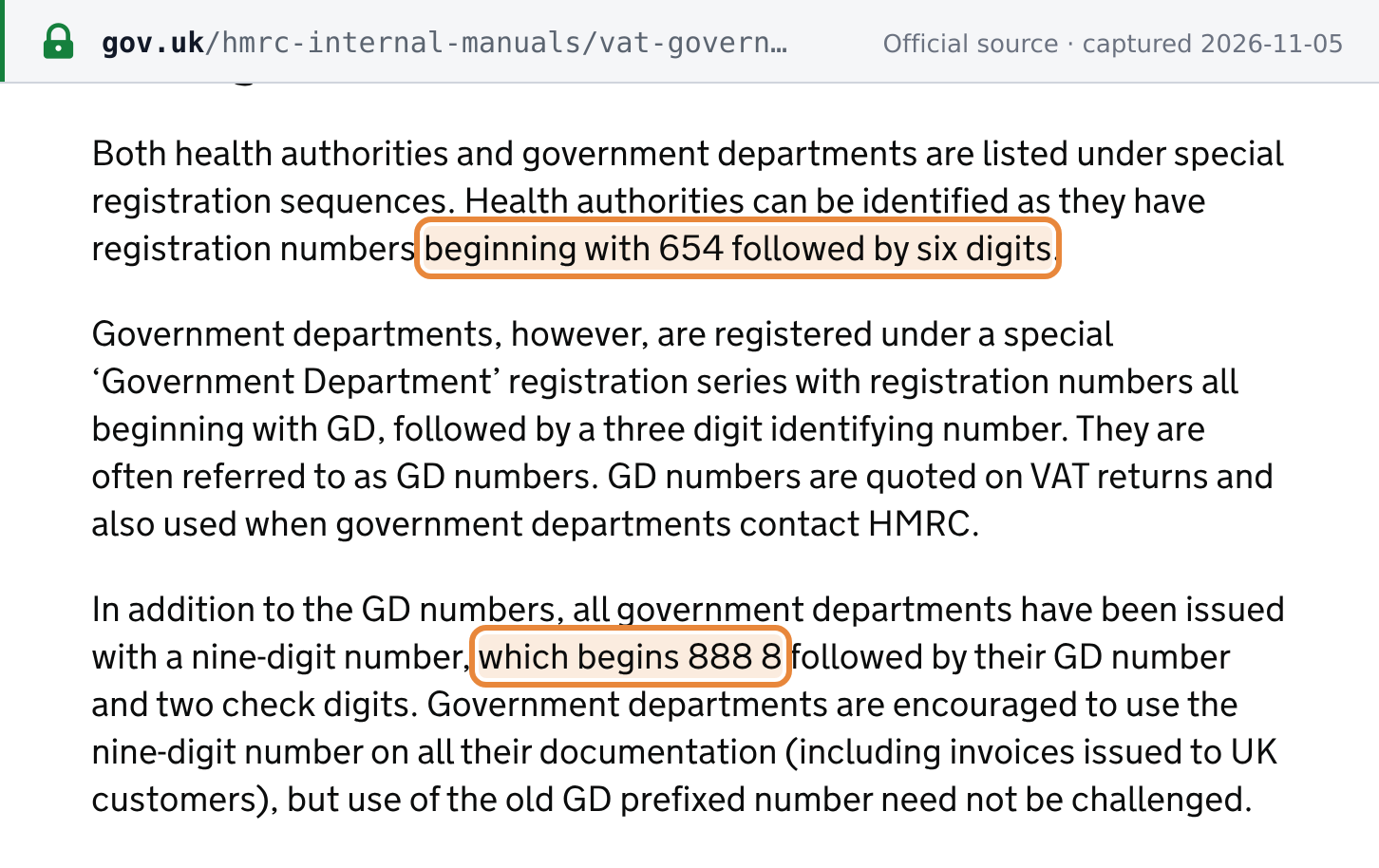
- Government departments and health authorities. HMRC's manual says health authorities have numbers "beginning with 654 followed by six digits". Government departments are registered in a separate series beginning
GDplus three digits, and also hold a nine-digit number beginning888 8, which HMRC encourages them to use on invoices. [6] HMRC's form does not accept aGDnumber, so check the nine-digit one.
 Source snapshot captured 2026-11-05 — original
- Isle of Man. Isle of Man VAT numbers are in the same nine-digit series as UK numbers, identified by the first two digits being
00. [7] See the Isle of Man Tax ID Guide. - 12-digit numbers. HMRC's API accepts "a 9-digit or 12-digit number". [8] The web form's hint asks for 9 digits, but the form also looks up a 12-digit number.
For a quick format pre-check before you query HMRC, this pattern matches what the service and the API accept: ^(GB)?\d{9}(\d{3})?$. Strip spaces first. It does not catch a wrong digit, which only the lookup can.
Common false negatives
A "not found" result or a rejected input does not always mean the supplier is unregistered. Check these first:
- Typo or transposed digit. The service reports it as "not found", not as a format error.
- Registered in the last 48 hours. HMRC's not-found result warns that new registrations may not be in its databases yet (see the not-found result pictured above).
- Applied, not yet registered. HMRC checks an application before it sends the VAT registration number, and the business must not show VAT on its invoices until it has the number. [9]
- XI prefix or GD number typed into HMRC's form. Rejected as the wrong format. Drop the XI, or use the department's 888 8 number.
- Cancelled registration. A business must cancel its registration when it is no longer eligible, for example because it stops trading or joins a VAT group. [10] A cancelled number is no longer a current registration, so ask the supplier for its current number.
- Business transferred as a going concern. The new owner can keep the previous owner's number, so the registered name on HMRC's result can be the new owner's. [11]
Checking UK VAT numbers by API
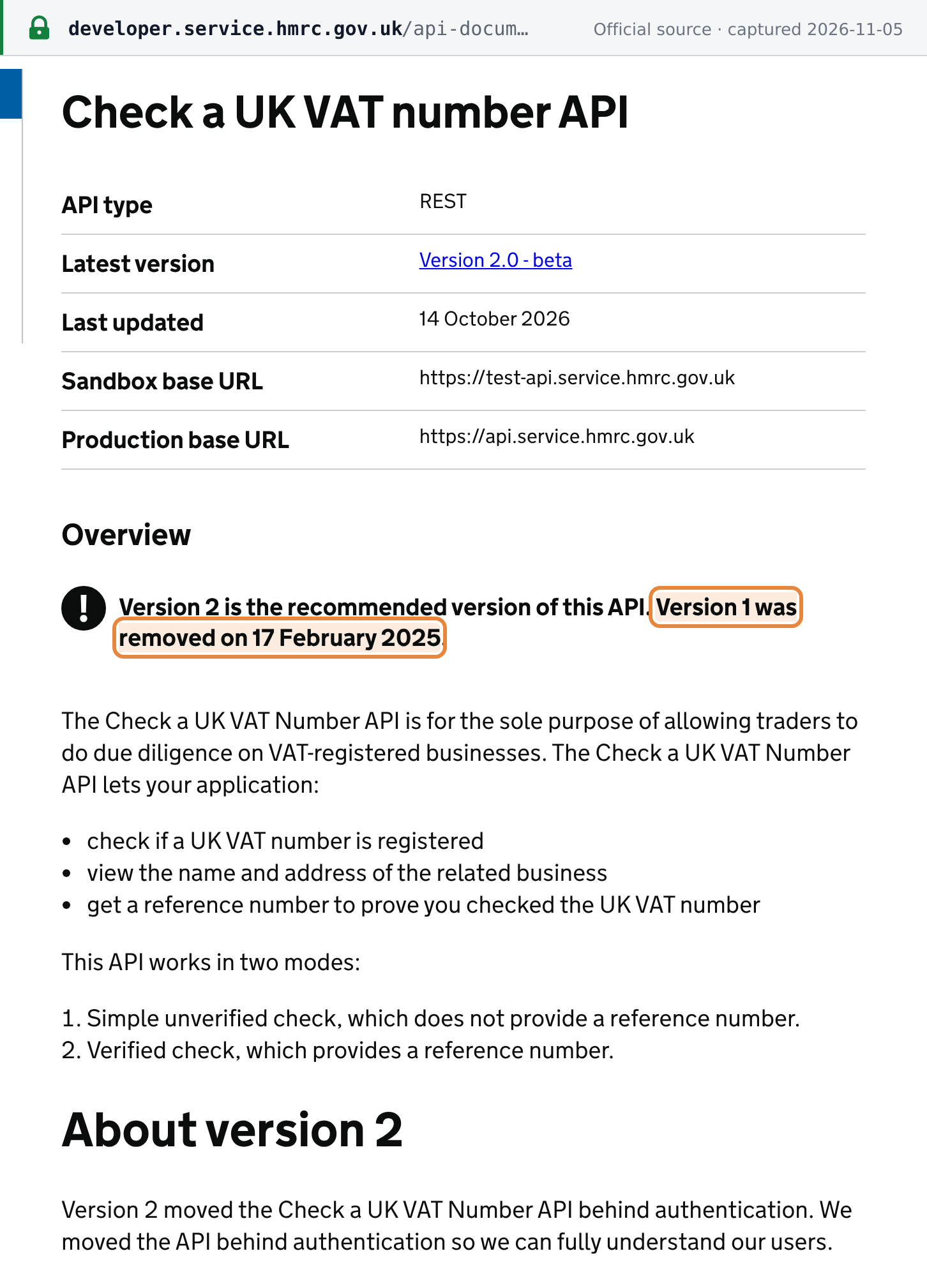
HMRC's Check a UK VAT number API is a REST API on the HMRC Developer Hub. As at 2026-11-05 the latest version is 2.0 (beta). HMRC says "Version 1 was removed on 17 February 2025" and that version 2 "moved the Check a UK VAT Number API behind authentication". [8]
- Access: register an application on the Developer Hub ("Registering should take around 2 weeks"), test in the sandbox, then get production credentials once you accept HMRC's Terms of Use. [8] Requests use an OAuth 2.0 application token. [8]
- Two modes: a simple unverified check that returns the name and address, and a verified check that also returns a reference number proving you checked. [8]
- Purpose: HMRC says the API is "for the sole purpose of allowing traders to do due diligence on VAT-registered businesses". [8]
- Rate limit: HMRC's standard limit is 3 requests per second per application (as at 2026-11-05). Above it you get HTTP 429, and HMRC advises against batching requests. [12]
 Source snapshot captured 2026-11-05 — original
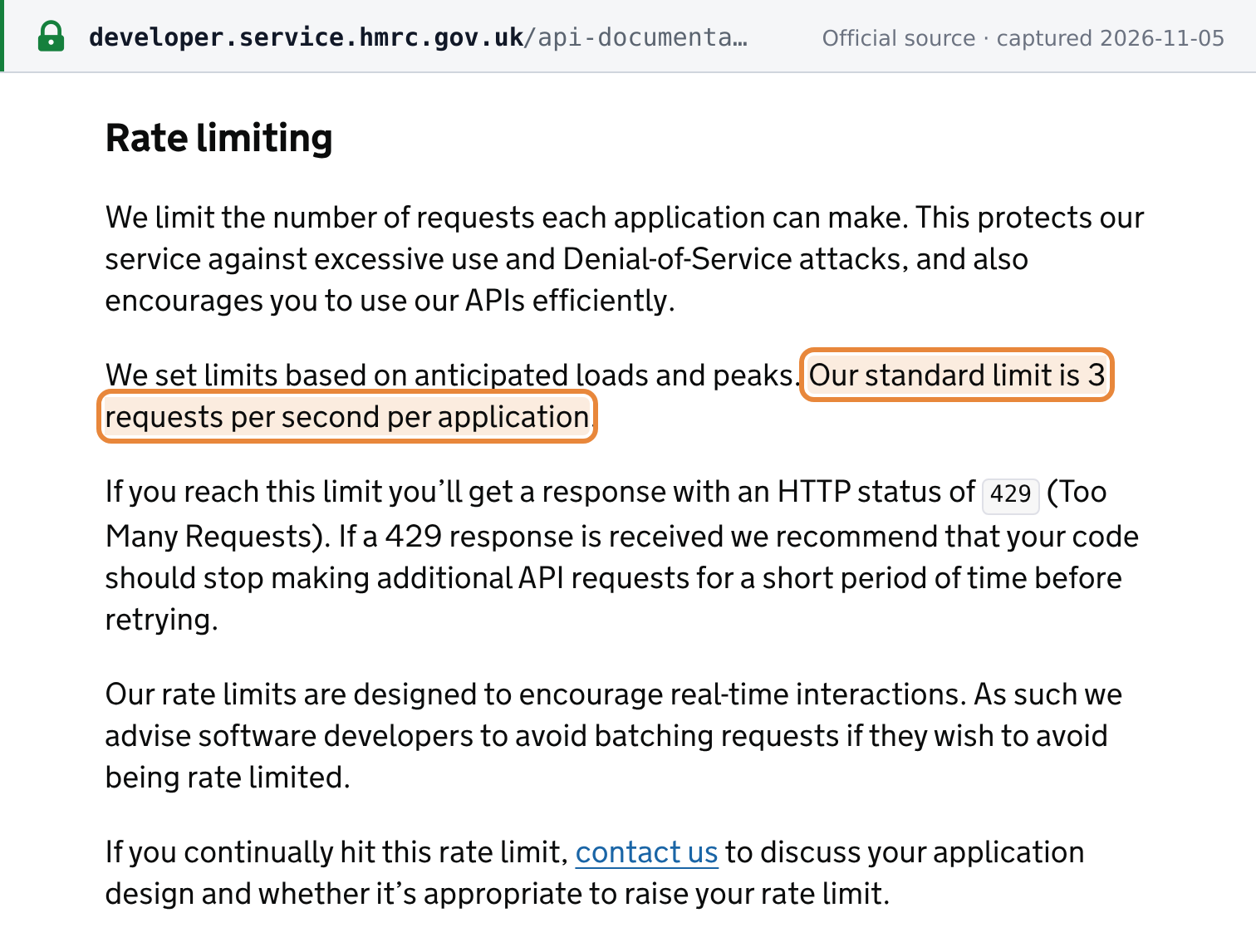 Source snapshot captured 2026-11-05 — original
Related resources
- United Kingdom VAT guide: rates, registration, invoicing and filing rules
- UK Tax ID Guide: the UK's tax identifiers and their formats
- How to verify EU VAT numbers on VIES: for XI numbers and EU suppliers
- Register for VAT on GOV.UK: who must register and how
- UK VAT number validator: check a GB number's format instantly
Frequently Asked Questions
Do I need my own UK VAT number to use HMRC's checker?
No. Anyone can check a UK VAT number and see the registered business name and address without entering their own number. Your own UK VAT number is needed only for the optional proof of check, which gives you a reference number. That option is for UK VAT-registered businesses only, so a business without a UK VAT number gets the result with no reference number. Save or print the result page as your record instead. [1]
How do I check a Northern Ireland VAT number that starts with XI?
Businesses trading under the Windsor Framework put XI in front of their usual 9-digit UK VAT number, for example XI 123456789 instead of GB 123456789. HMRC's Check a UK VAT number form rejects the XI prefix as a wrong format, so either enter the 9 digits without XI on HMRC's service, or check XI plus the 9 digits on the EU VIES service, which GOV.UK links for checking Windsor Framework status. GB-prefixed numbers cannot be checked on VIES. [4]
Is there an HMRC API for checking UK VAT numbers?
Yes. HMRC's Check a UK VAT number API is at version 2.0 (beta) on the HMRC Developer Hub as at 5 November 2026; version 1 was removed on 17 February 2025. Version 2 sits behind authentication: you register an application on the Developer Hub (HMRC says registering takes around 2 weeks), test in the sandbox, and get production credentials after accepting the Terms of Use. It works in two modes: a simple unverified check, and a verified check that also returns a reference number. HMRC's standard rate limit is 3 requests per second per application, with HTTP 429 when exceeded, and HMRC advises against batching requests. [8] [12]
My UK supplier's VAT number shows VAT registration not found. What could have happened?
Common causes: (1) a typo or wrong digit, which shows as not found rather than as a format error; (2) a very new registration, because HMRC warns that registrations made within the last 48 hours may not be in its databases yet; (3) the supplier has applied but HMRC has not issued a number yet; (4) the registration was cancelled, for example because the business stopped trading or joined a VAT group, whose members all use the group's single number. An XI or GD number gives a format error instead, not a not-found result. A VAT registration certificate (VAT 4) from the supplier does not settle it: HMRC says the certificates have no legal significance beyond acknowledging the registration. Only a VAT-registered person can issue a VAT invoice, and knowingly reclaiming VAT on an unregistered person's invoice is an offence, so resolve a not-found result before you reclaim input VAT. [10] [13] [14]
How Lookuptax can help you in VAT validation?
Lookuptax validates VAT and tax ID numbers across more than 100 countries through one API, checking each number's format and, where the tax authority offers a lookup, its registration status against the official source.